
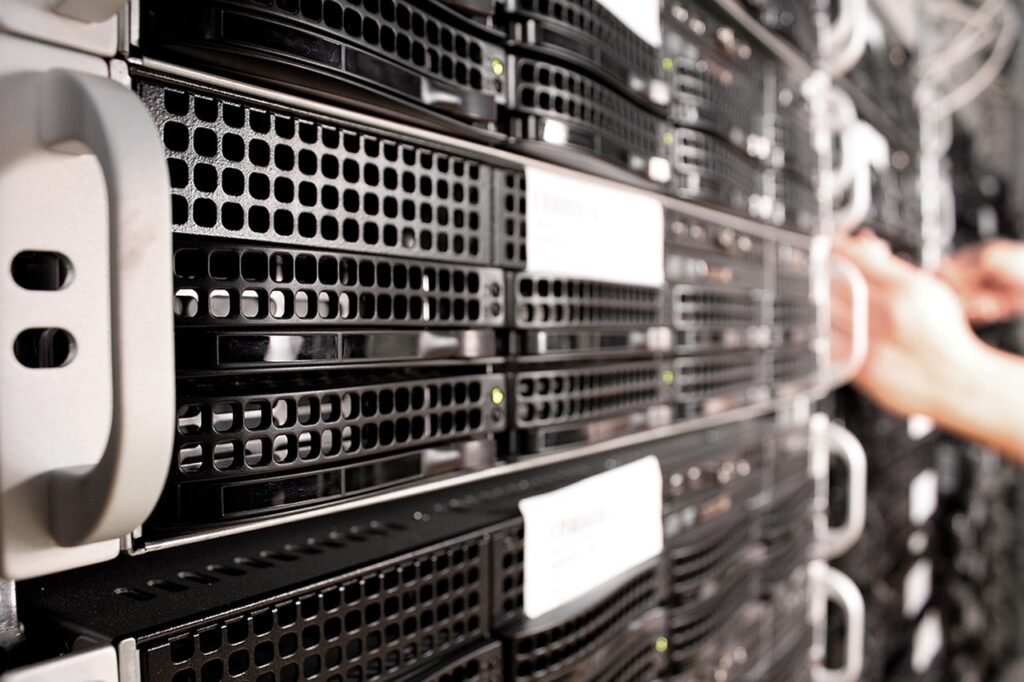
Cloud server storage has revolutionized the way individuals and businesses store and manage their data. Gone are the days of relying solely on physical hard drives and local servers. Today, cloud server storage offers a flexible, scalable, and cost-effective alternative. This blog post will delve into the intricacies of cloud server storage, exploring its benefits, types, security measures, and practical applications.
Understanding Cloud Server Storage
What is Cloud Server Storage?
Cloud server storage is a model of data storage where digital data is stored in logical pools. The physical storage spans multiple servers (sometimes hundreds or even thousands) and the physical environment is typically owned and managed by a hosting company. These cloud storage providers make the data available over a network, typically the internet. Instead of storing information on a physical device, like a hard drive or USB drive, your data resides on these remote servers, accessible from anywhere with an internet connection.
- Key Characteristics:
Scalability: Easily adjust storage capacity as needed.
Accessibility: Access data from any device with internet.
Cost-Effectiveness: Pay-as-you-go models can reduce costs.
Redundancy: Data is typically replicated across multiple servers.
* Maintenance: Cloud providers handle infrastructure maintenance.
How Does it Work?
When you upload a file to a cloud server, it is typically broken down into smaller pieces and distributed across multiple servers in the cloud provider’s data centers. This redundancy ensures data availability and protection against hardware failures. When you need to access your data, the cloud provider reassembles these pieces and delivers them to you securely. Security measures like encryption ensure your data remains confidential during transit and at rest. Think of it like distributing a puzzle across multiple locations. Only when you need the complete puzzle do all the pieces come back together.
Benefits of Cloud Server Storage
Enhanced Data Security
- Encryption: Data is encrypted both in transit and at rest, protecting it from unauthorized access. Modern encryption algorithms are employed.
- Redundancy: Data is typically replicated across multiple servers, minimizing the risk of data loss due to hardware failure. For instance, Amazon S3 offers 99.999999999% durability.
- Access Controls: Cloud providers offer granular access controls, allowing you to specify who can access which data.
- Compliance: Many cloud providers offer compliance certifications (e.g., HIPAA, GDPR) to meet industry regulations.
- Regular Security Audits: Cloud providers invest heavily in security and undergo regular audits to identify and address vulnerabilities.
Cost Savings and Efficiency
- Reduced Capital Expenditure: Eliminates the need to invest in expensive hardware and infrastructure.
- Lower Operational Costs: Reduces IT maintenance, power consumption, and cooling costs.
- Pay-as-you-go Pricing: Only pay for the storage you actually use. This eliminates wasted resources.
- Increased Productivity: Frees up IT staff to focus on more strategic initiatives.
Scalability and Flexibility
- On-Demand Scalability: Easily scale storage capacity up or down as needed, without the need for manual intervention. Need more storage for a sudden surge in users? No problem!
- Global Accessibility: Access data from anywhere in the world with an internet connection. This facilitates remote work and collaboration.
- Integration with Other Cloud Services: Seamlessly integrates with other cloud services, such as compute, database, and analytics.
- Disaster Recovery: Provides a reliable backup and disaster recovery solution.
Types of Cloud Server Storage
Object Storage
- Description: Ideal for storing unstructured data, such as images, videos, and documents. Data is stored as objects, each with a unique identifier.
- Examples: Amazon S3, Google Cloud Storage, Azure Blob Storage.
- Use Cases: Archiving, data analytics, content distribution.
- Example: Storing millions of images for a social media platform. Object storage provides the scalability and durability needed for this application.
Block Storage
- Description: Provides raw block-level access to storage, similar to a traditional hard drive. Suitable for databases, virtual machines, and other applications that require low latency and high performance.
- Examples: Amazon EBS, Google Persistent Disk, Azure Disk Storage.
- Use Cases: Running databases, hosting virtual machines, supporting high-performance applications.
- Example: Using block storage as the underlying storage for a database server to ensure fast and reliable data access.
File Storage
- Description: Provides a shared file system that can be accessed by multiple users and applications. Ideal for collaboration and sharing files.
- Examples: Amazon EFS, Google Cloud Filestore, Azure Files.
- Use Cases: File sharing, content management, web serving.
- Example: Using file storage for a team of designers to collaborate on design projects, allowing them to easily share and access files.
Securing Your Data in the Cloud
Encryption
- Data at Rest Encryption: Encrypting data while it’s stored on the server. Cloud providers offer services like AWS KMS and Azure Key Vault for managing encryption keys.
- Data in Transit Encryption: Encrypting data as it’s being transferred to and from the cloud. HTTPS and SSL/TLS protocols are essential for this.
Access Control
- Role-Based Access Control (RBAC): Granting permissions based on user roles. For example, assigning “read-only” access to some users and “full access” to others.
- Multi-Factor Authentication (MFA): Requiring users to provide multiple forms of authentication to access data. This adds an extra layer of security.
- Principle of Least Privilege: Granting users only the minimum level of access they need to perform their job duties.
Monitoring and Auditing
- Logging and Monitoring: Continuously monitoring cloud storage activity to detect suspicious behavior. Cloud providers offer tools like AWS CloudTrail and Azure Monitor for this purpose.
- Regular Security Audits: Conducting regular audits to identify and address vulnerabilities.
- Intrusion Detection Systems (IDS): Implementing systems to detect and respond to unauthorized access attempts.
Data Backup and Recovery
- Regular Backups: Creating regular backups of your data to protect against data loss.
- Disaster Recovery Plan: Developing a plan for recovering your data in the event of a disaster.
- Geo-Redundancy: Storing data in multiple geographic locations to ensure availability in the event of a regional outage.
Conclusion
Cloud server storage offers a compelling alternative to traditional on-premises storage solutions. Its scalability, cost-effectiveness, and enhanced security make it an attractive option for businesses of all sizes. By understanding the different types of cloud storage available and implementing appropriate security measures, you can leverage the power of the cloud to store and manage your data effectively. Consider your specific storage needs and choose a cloud provider that aligns with your requirements to maximize the benefits of cloud server storage.






